What is a systems audit?
A systems audit is a structured review of every tool, spreadsheet and manual workflow a business runs on, measured in dollars and hours, ending in a prioritized plan. It answers three questions: what are we paying for, what is it costing us in time and errors, and what should we change first?
It is not a security audit and not a full technology due diligence, though it borrows from both:
| Systems audit | Technology due diligence | IT / security audit | |
|---|---|---|---|
| Main question | Where are we losing time and money? | What are we buying, and what are the risks? | Are we secure and compliant? |
| Who runs it | Owner, operating partner or outside builder | Buyer's advisors, pre-close | IT or security firm |
| Output | Costed roadmap of improvements | Risk findings for the deal | Control gaps and remediation |
| When | Any time; ideally first 30–60 days of ownership | Before signing | Annually or for compliance |
Where the EBITDA hides
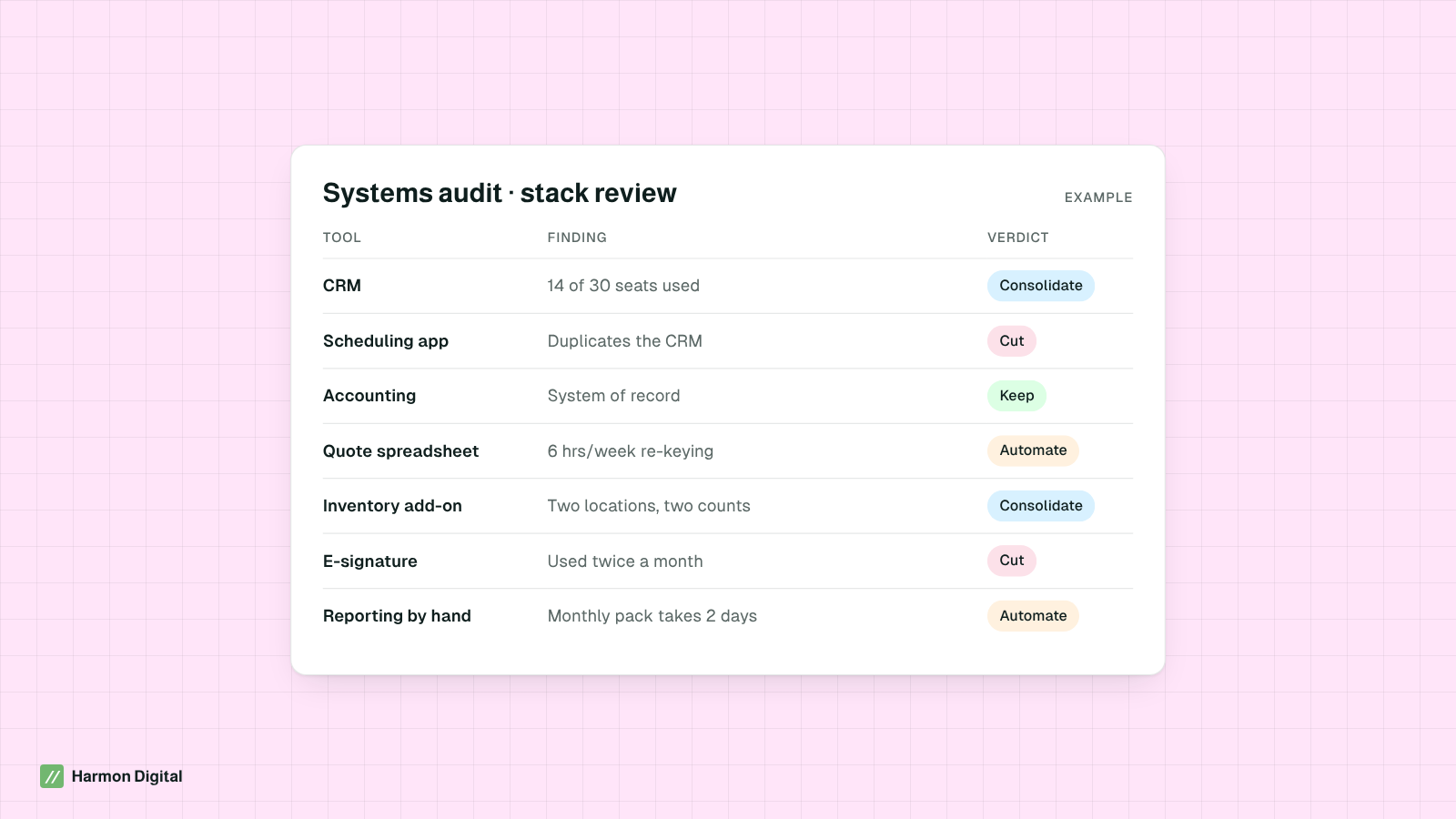
1. Software you pay for and don't use
According to Zylo’s 2026 SaaS Management Index, the average organization uses only 54 percent of its provisioned licenses. Smaller companies rarely track this at all: tools are bought on a credit card, seats are never removed, and two apps quietly do the same job.
2. Hours spent between systems
This is usually the larger number. Every time data is typed from one system into another, someone is being paid to be an integration. Salesforce research found sales reps spend only 28 percent of their time actually selling; operations teams in small companies often fare no better.
3. Revenue that leaks out
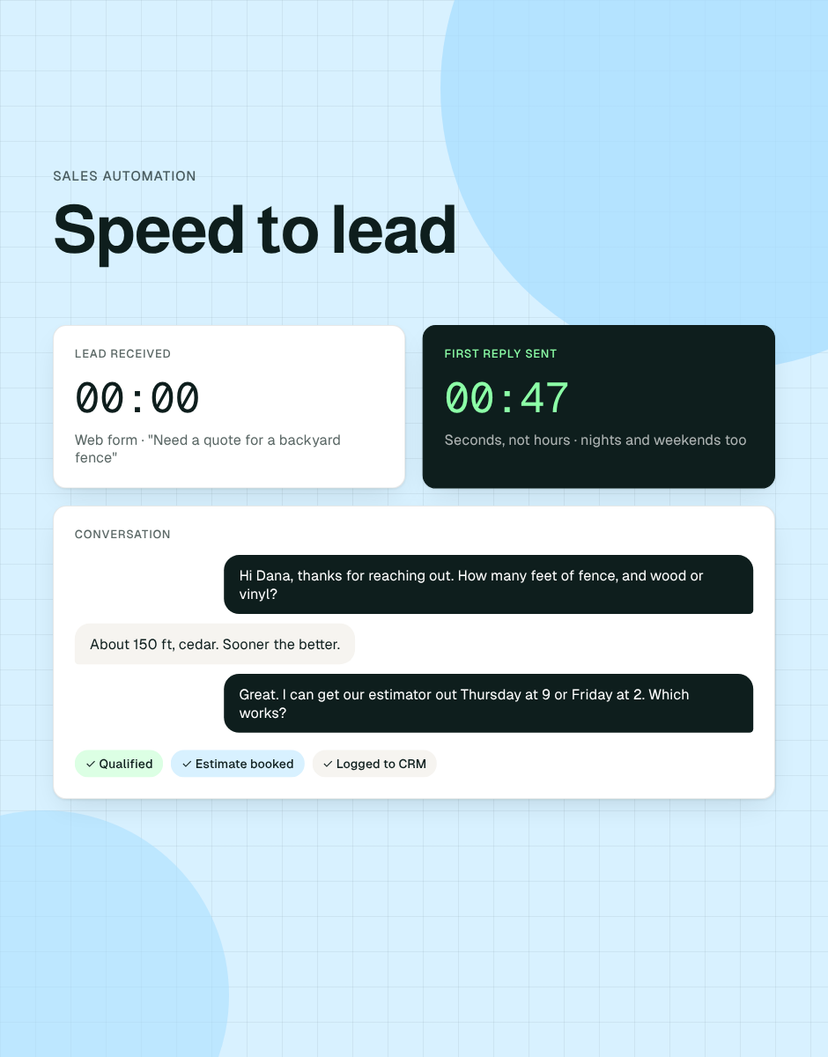
Leads that never get a reply, quotes nobody follows up, orders lost in an inbox. Every order that has to be retyped from an email into a system is a chance to drop one.
4. Errors and rework
Wrong prices, double bookings, inventory that doesn't match. Gartner puts the average annual cost of poor data quality at $12.9 million for organizations; at a smaller company it shows up as credits, write-offs and angry customers.
The systems audit checklist
- Inventory every tool and spreadsheet. Pull card statements and accounting records for software spend; ask each team what they open every day. Spreadsheets that run a process count.
- Record cost, seats and usage. Monthly cost, seats paid, seats active in the last 30 days, contract renewal date.
- Walk the core workflows. Follow lead-to-cash, order-to-delivery and hire-to-payroll with the people who do them. Watch, don't interview.
- Time the manual work. For each hand-off, estimate hours per week. Rough numbers are fine; zero is the only wrong answer.
- Map the data flows. Draw where each core record (customer, order, invoice) is created, copied and reported. Every copy is a place for errors.
- Check the risks. Admin access, backups, single points of failure (people and systems), anything regulated.
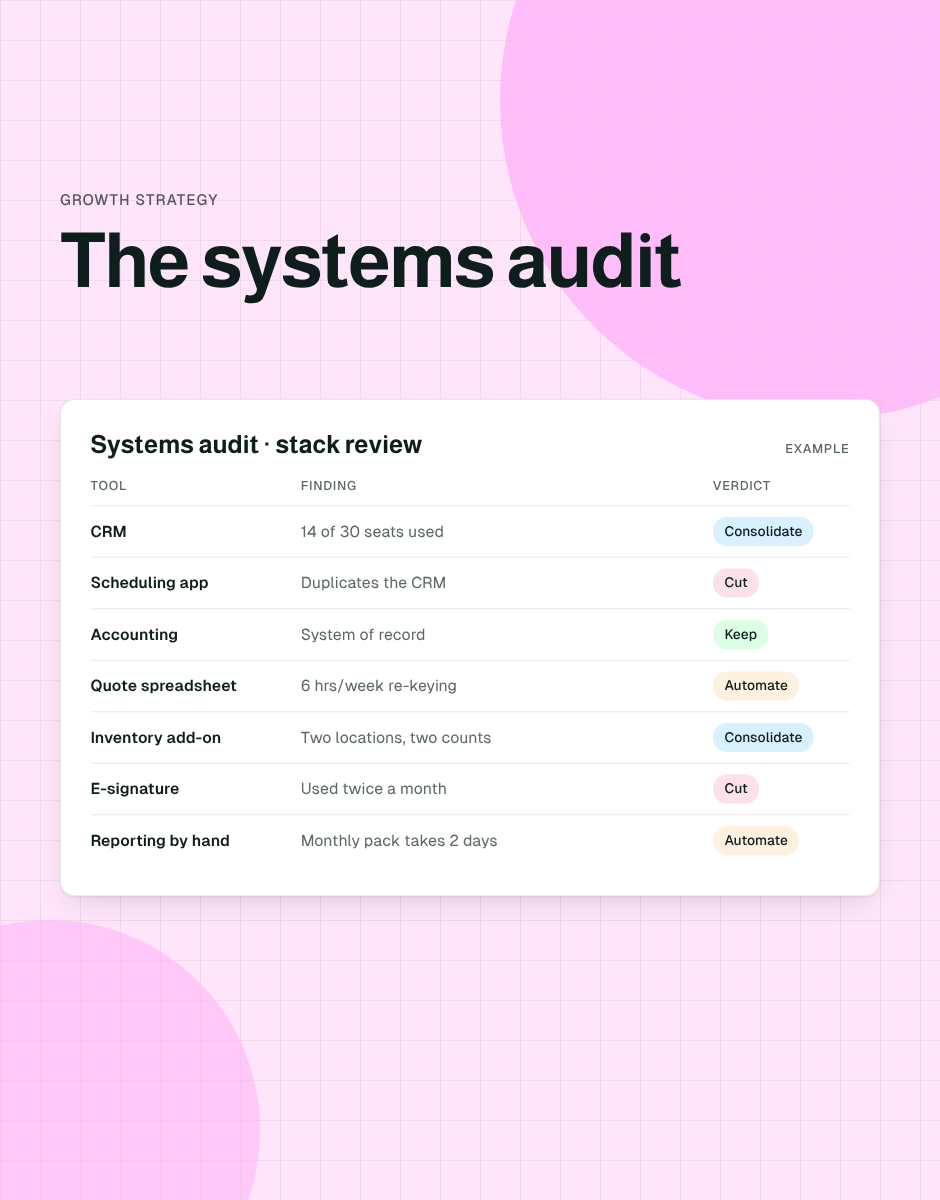
- Give every item a verdict. Keep, consolidate, cut or automate.
- Cost the roadmap. Each initiative gets an estimated annual impact, a cost, an effort score and an owner.
How to put a dollar figure on manual work
Use a simple formula and be conservative: hours per week × loaded hourly cost × 52.
For example, the BLS puts median pay for customer service representatives at $21.53 an hour. A task that takes six hours a week costs about $6,700 a year in wages alone (6 × $21.53 × 52), before benefits and payroll taxes. Across a dozen such tasks, you are looking at a meaningful EBITDA line, and that is before counting what those hours could be spent on instead.
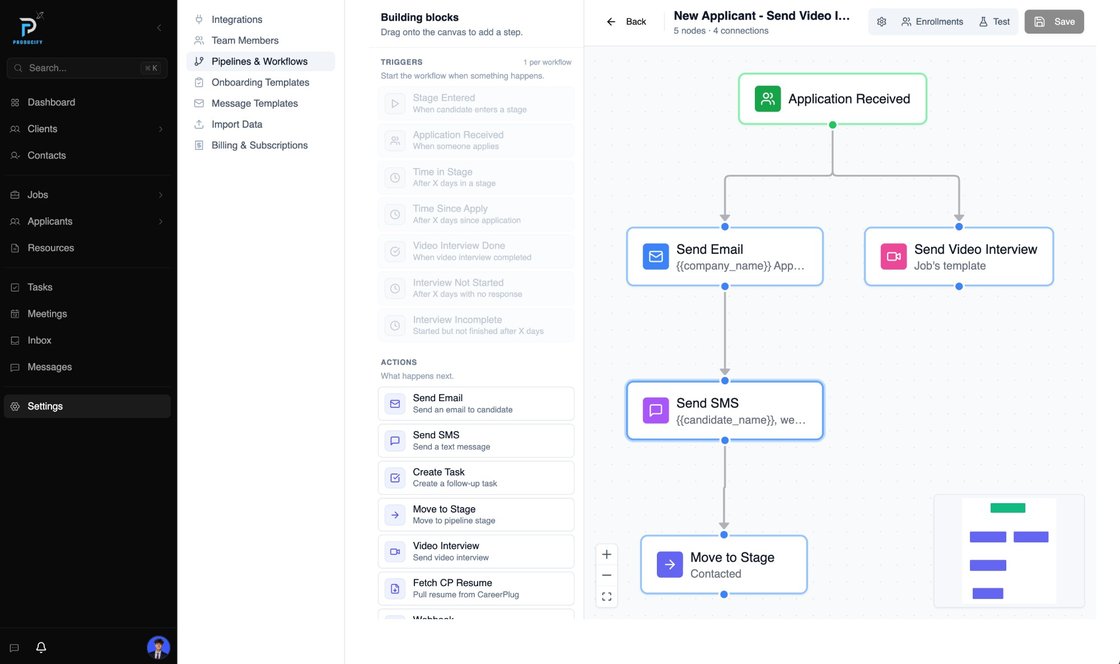
Tool sprawl shows up fast in an audit. ProducifyX, a recruiting firm we work with, was stitching together eight separate tools for hiring, from applicant tracking to video interviews to e-signatures; we replaced them with one platform.
Turning findings into a roadmap
Rank initiatives on two axes: annual EBITDA impact and effort. Do the high-impact, low-effort items first; they fund the credibility for the rest.
| Initiative (example) | EBITDA lever | Effort | Timing |
|---|---|---|---|
| Remove unused seats and duplicate apps | Software spend | Low | Weeks 1–4 |
| Automate lead response and quote follow-up | Revenue | Low–medium | Days 30–70 |
| Automate the weekly KPI pack | Labor hours | Medium | Days 30–90 |
| Consolidate operations into one source of truth | Labor, errors, software | Medium–high | Months 2–6 |
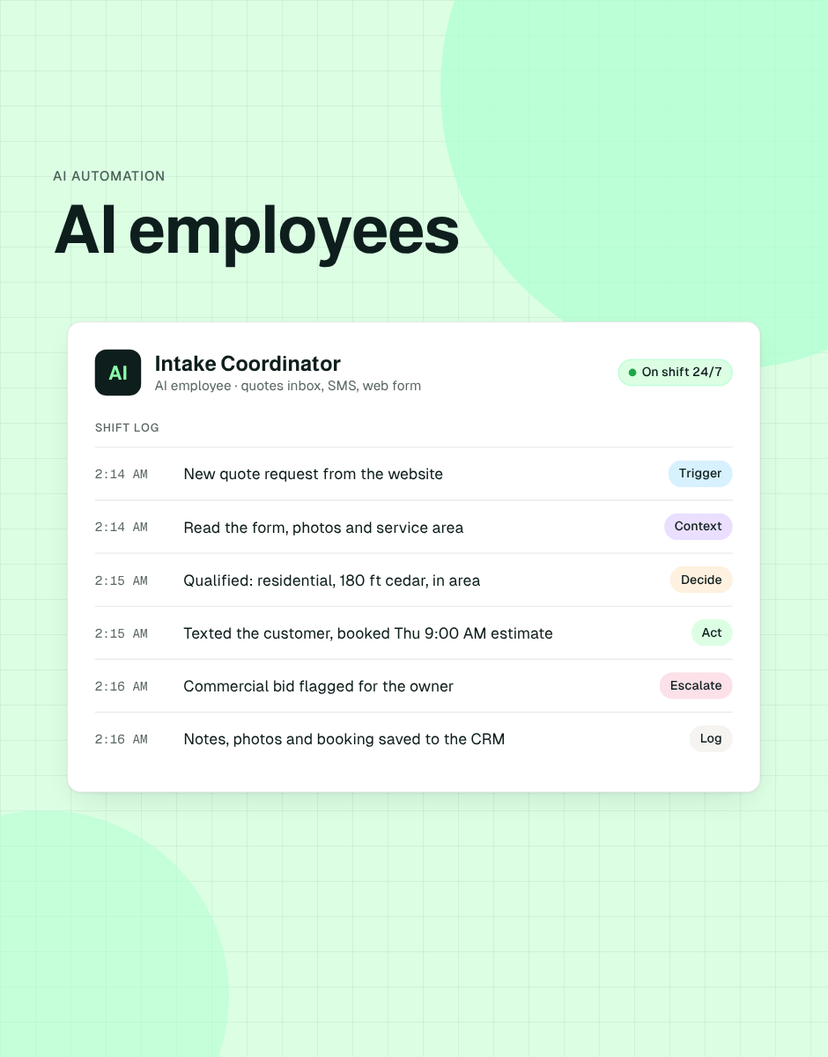
| Deploy AI employees on high-volume roles | Labor capacity | Medium | Months 3–9 |
Systems audits in due diligence and the first 100 days
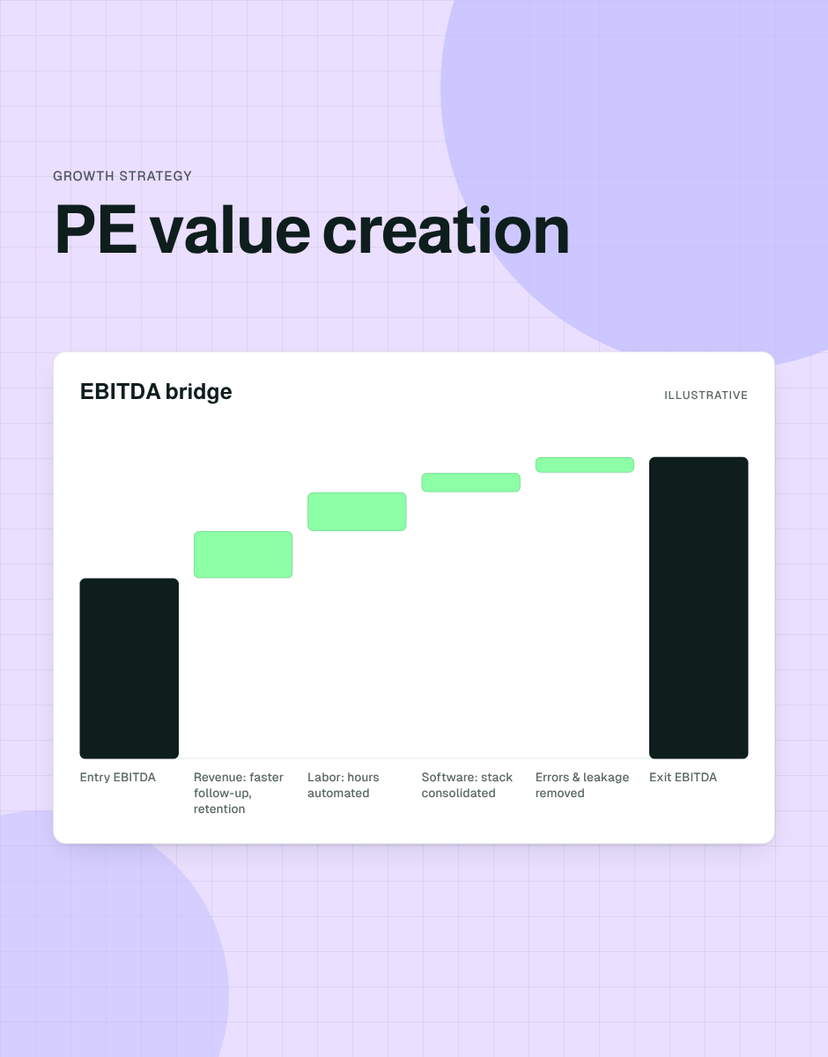
The same method works before close as part of operational or technology due diligence: it surfaces key-person risk, fragile spreadsheets and integration costs while they can still affect price and the plan. After close, it is the backbone of the 100-day plan for systems and feeds directly into the value creation plan.
Frequently asked questions
What is a systems audit?
A systems audit is a structured review of a company's software, spreadsheets and manual workflows that measures what they cost in money and time, identifies overlap, errors and risks, and ends in a prioritized, costed improvement plan.
How long does a systems audit take?
For a lower-middle-market company, two to four weeks is typical: one week of inventory and data gathering, one to two weeks of workflow walk-throughs, and a final week to cost and prioritize the roadmap.
What's the difference between a systems audit and technology due diligence?
Technology due diligence is done by a buyer before closing to identify risks in what they are acquiring. A systems audit is done by owners or operators to find improvements. The methods overlap, and many sponsors run a lighter systems audit pre-close and a full one in the first 30–60 days.
Who should run a systems audit?
Someone who can sit with the team, read the numbers and knows what good systems look like: an operating partner, the CFO or COO, or an outside builder. It helps if whoever runs it can also estimate what fixes will cost.
What do you get at the end of a systems audit?
A complete inventory of tools and spreadsheets with costs and usage, maps of the core workflows, a verdict for every item (keep, consolidate, cut or automate), and a roadmap ranked by EBITDA impact and effort.
Sources
- SaaS usage numbers (2026 SaaS Management Index) — Zylo, 2026
- Sales reps spend less than 30% of their time actually selling — Salesforce, 2022
- How to Improve Your Data Quality — Gartner, 2021
- Customer Service Representatives: Occupational Outlook Handbook — U.S. Bureau of Labor Statistics

Isaac Harmon · Founder, Harmon Digital
Isaac runs Harmon Digital, which builds custom software and AI employees for private equity portfolio companies, and built Unstack, the platform behind those builds. Finance degree from Mizzou; seven businesses started before 21, so he has been on the operator's side of messy systems.